
LemoTV Activation Guide. This page explains exactly how to activate your LemoTV service on supported devices in a simple, clear way. The activation process takes only a few minutes and does not require technical knowledge.
Table of Contents
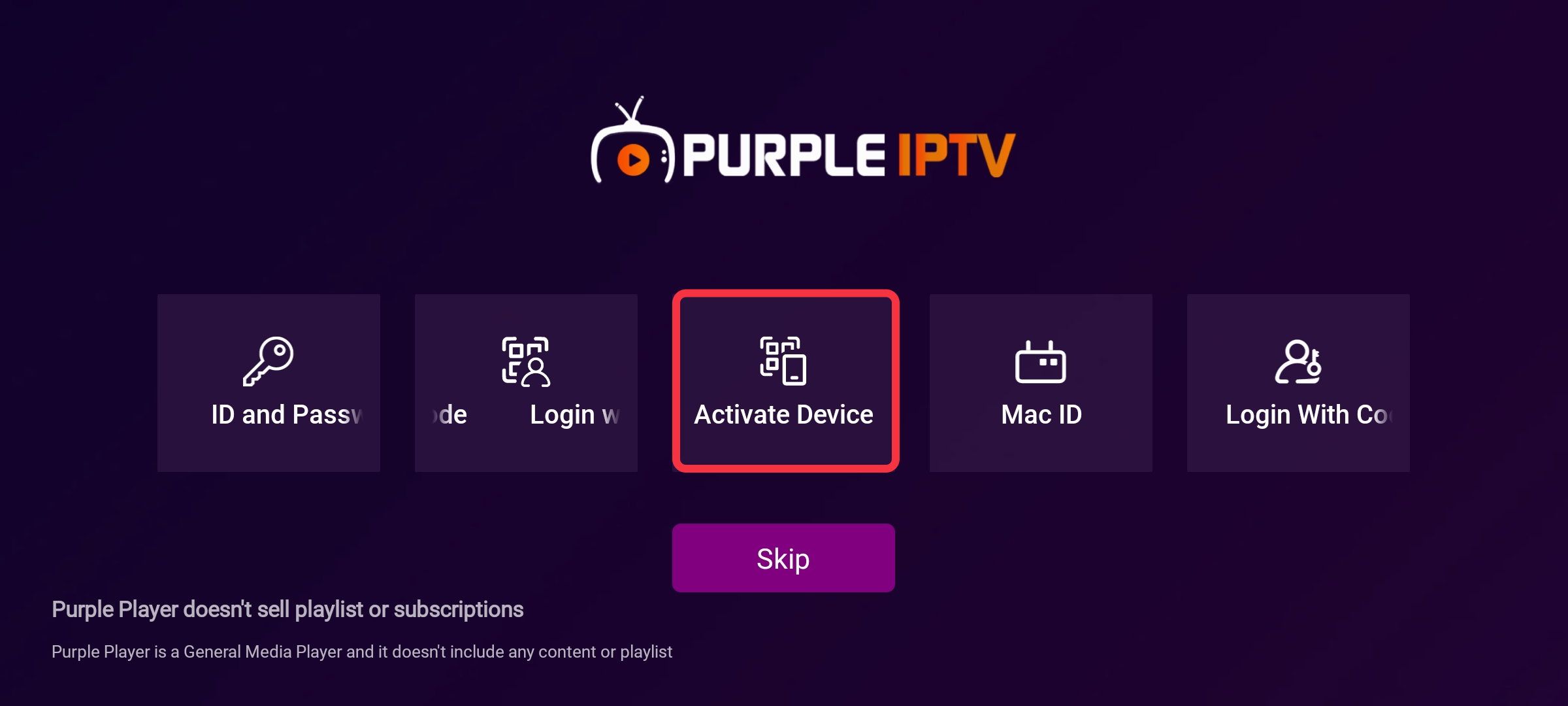
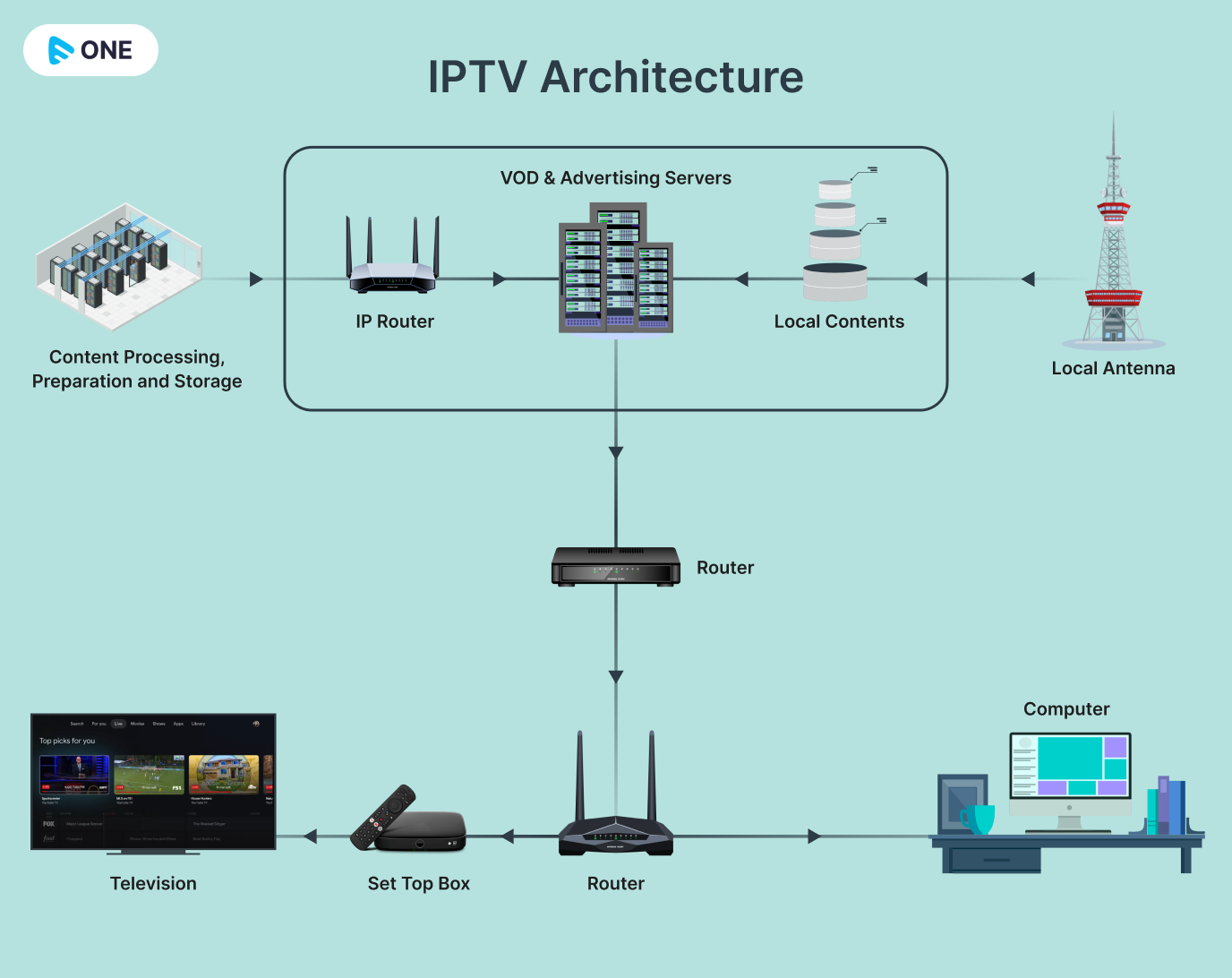
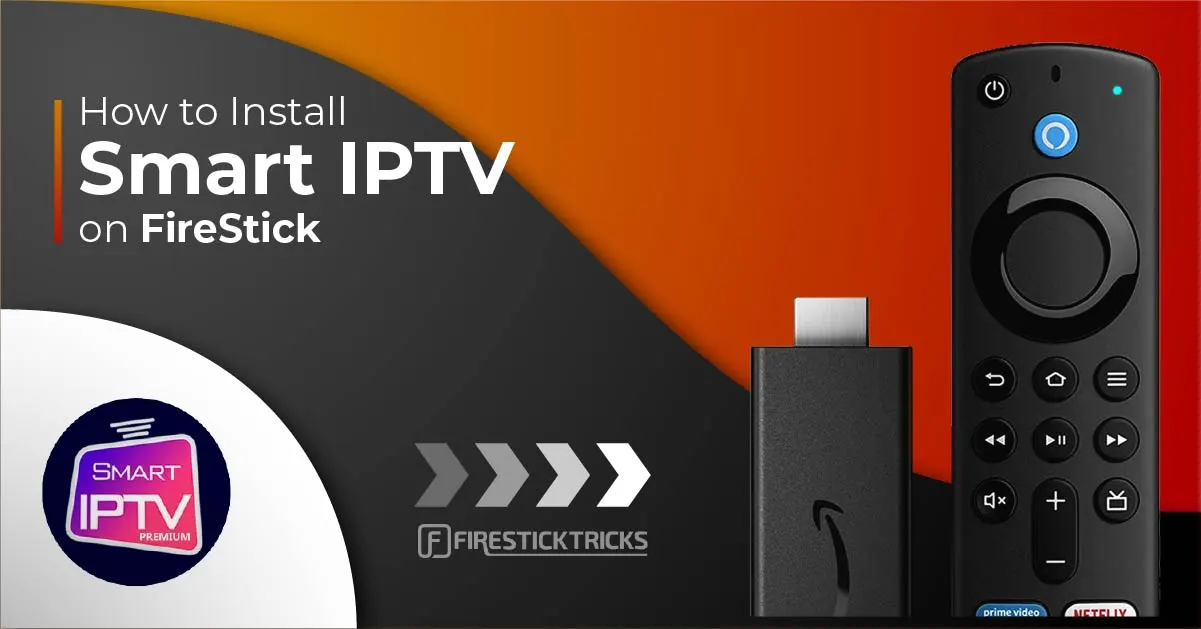
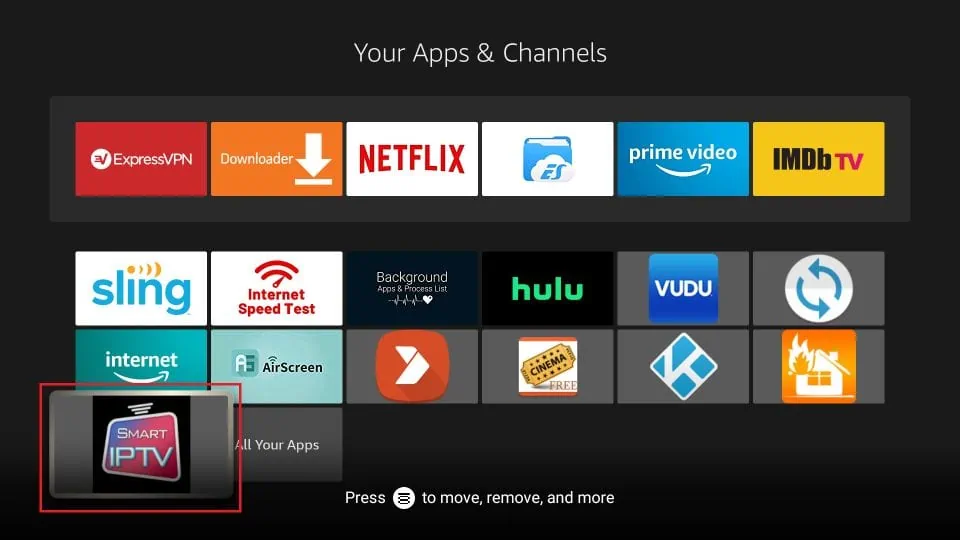
Step 1: Prepare for LemoTV Activation Guide
Before activating your service, make sure you have:
- An active LemoTV subscription
- A stable internet connection
- A compatible device (Smart TV, Firestick, Android, iOS, PC, etc.)
- Your activation credentials sent by email after purchase
📌 If you cannot find your credentials, please check your spam folder or contact support.
Step 2: Choose a Compatible Player App
LemoTV works with multiple third-party media players. You can install one from your device’s official app store.
Recommended player types include:
- Xtream Codes–based players
- M3U playlist players
- Portal / MAC-based players (for MAG & STB devices)
⚠️ LemoTV does not own or control these apps and does not provide them directly.

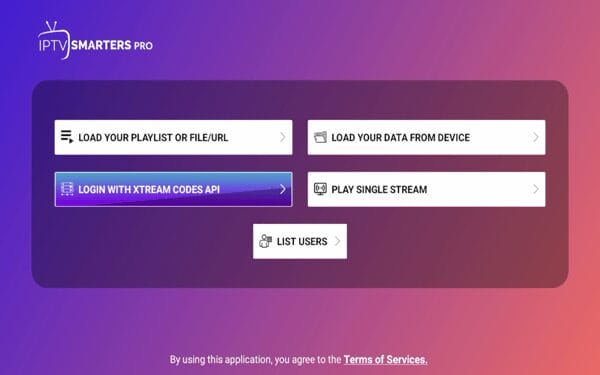
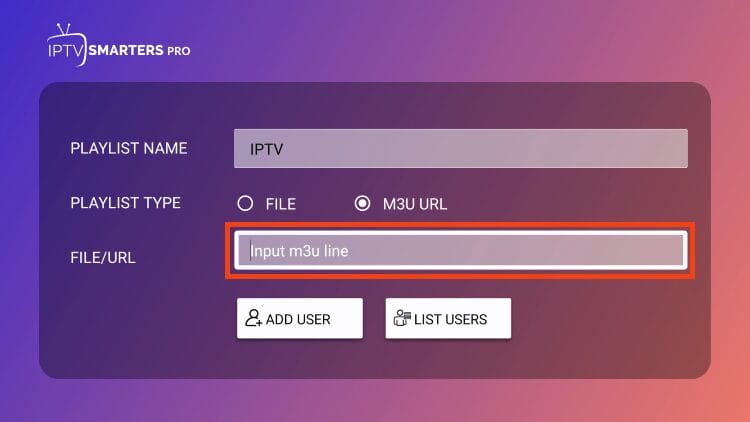
Step 3: Enter Your Activation Details
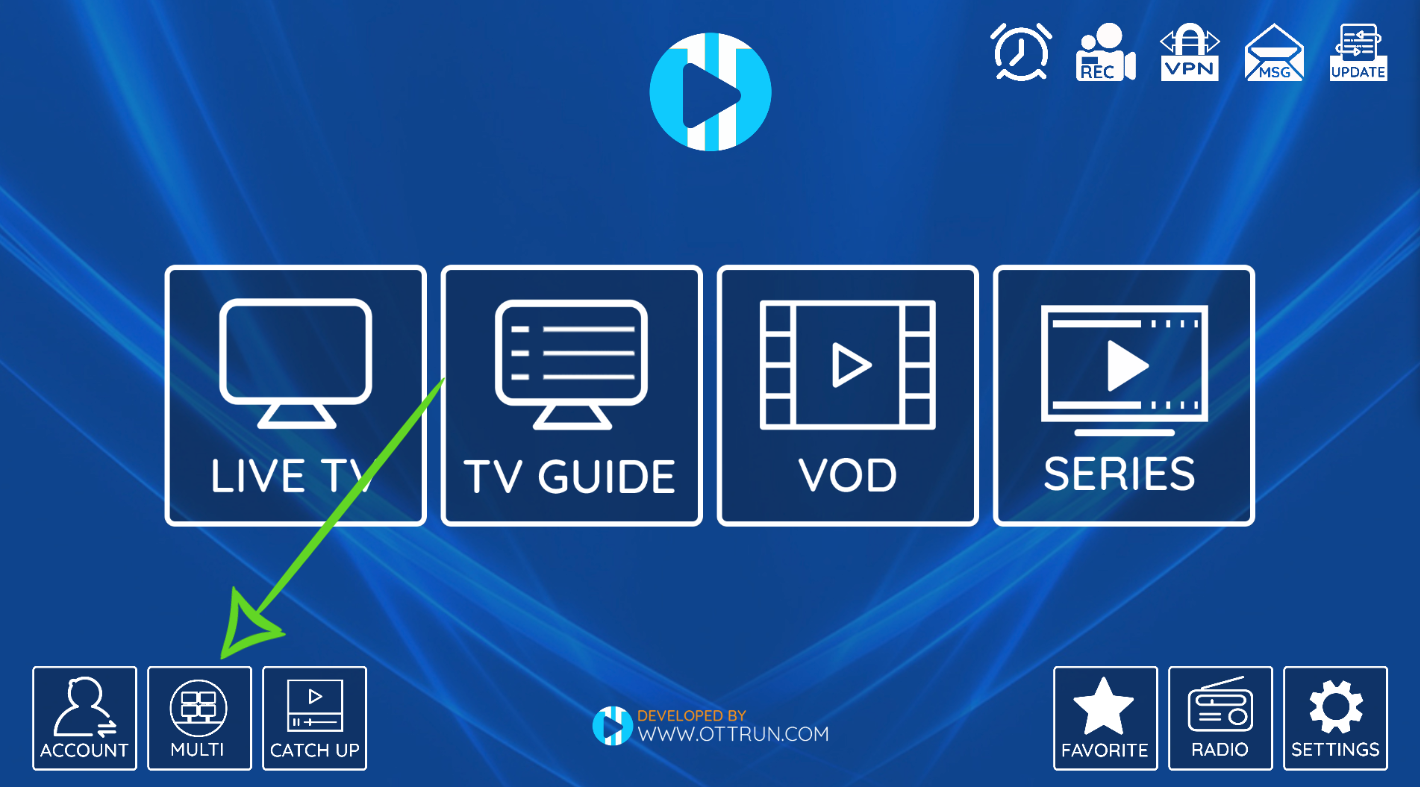
Open your chosen app and select the login method provided with your order.
Enter the following information exactly as received:
- Username
- Password
- Server / Portal URL
✅ No spaces before or after
✅ Case-sensitive
✅ Internet must be active
Once entered, confirm and continue.
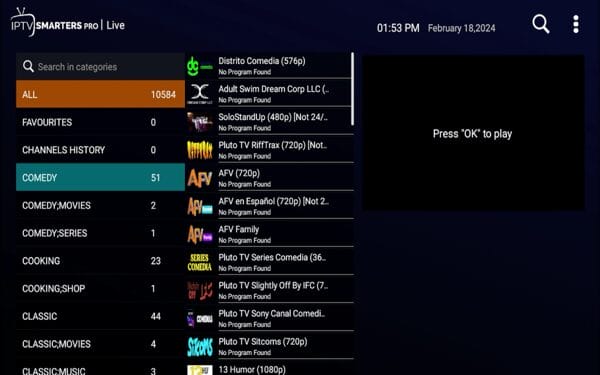
Step 4: Load Content & Finish Setup
After login:
- The app will sync data automatically
- Channel and category loading may take a few seconds to one minute
- Once completed, your service is fully activated
🎉 You can now start using LemoTV.
Device Compatibility Overview
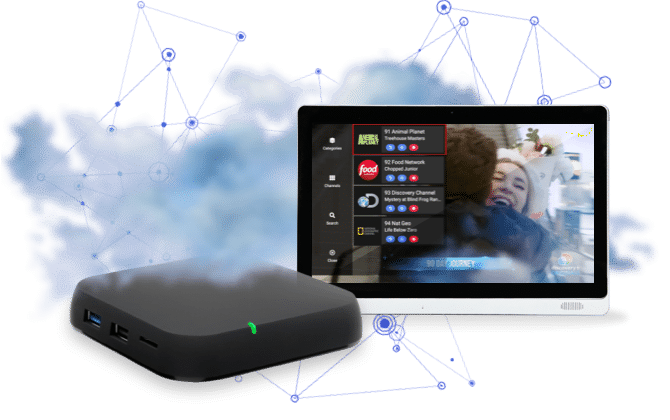
LemoTV is compatible with:
- Smart TVs (Android TV, Samsung, LG)
- Amazon Firestick & Fire TV
- Android smartphones & tablets
- iPhone & iPad
- Windows & macOS computers
- MAG devices and set-top boxes
Activation steps remain similar across all platforms.
Using LemoTV on Multiple Devices
- Multi-device access depends on your subscription plan
- Up to 5 devices may be supported
- Simultaneous usage beyond limits may cause interruptions
- Do not share credentials publicly
Troubleshooting Activation Problems
Login Not Accepted
- Verify credentials carefully
- Restart the app
- Confirm your subscription is active
Channels Not Showing
- Restart device and app
- Check your internet connection
- Try an alternative compatible player
App Freezing or Crashing
- Update the app to the latest version
- Clear app cache
- Reinstall the app if needed
Important Information
- LemoTV does not host or store any media
- Content is provided by third-party sources
- Availability may vary by country
- VPN usage is optional and not required
Need Help Activating?
If you experience any issues, our support team is available to assist you.
📧 Email: contact@lemotv.store
🌐 Website: https://lemotv.store
📌 Please include your order number for faster support.
Why LemoTV?
✔ Simple activation
✔ Works worldwide
✔ Compatible with all major devices
✔ Reliable performance
✔ Official customer support