LEMO TV Official – Premium IPTV Streaming Service
LEMOTV offers a reliable IPTV streaming solution designed for modern users who want fast activation, stable performance, and multi-device compatibility. Enjoy high-quality digital television with secure access and smooth playback worldwide.
- HD & 4K Quality
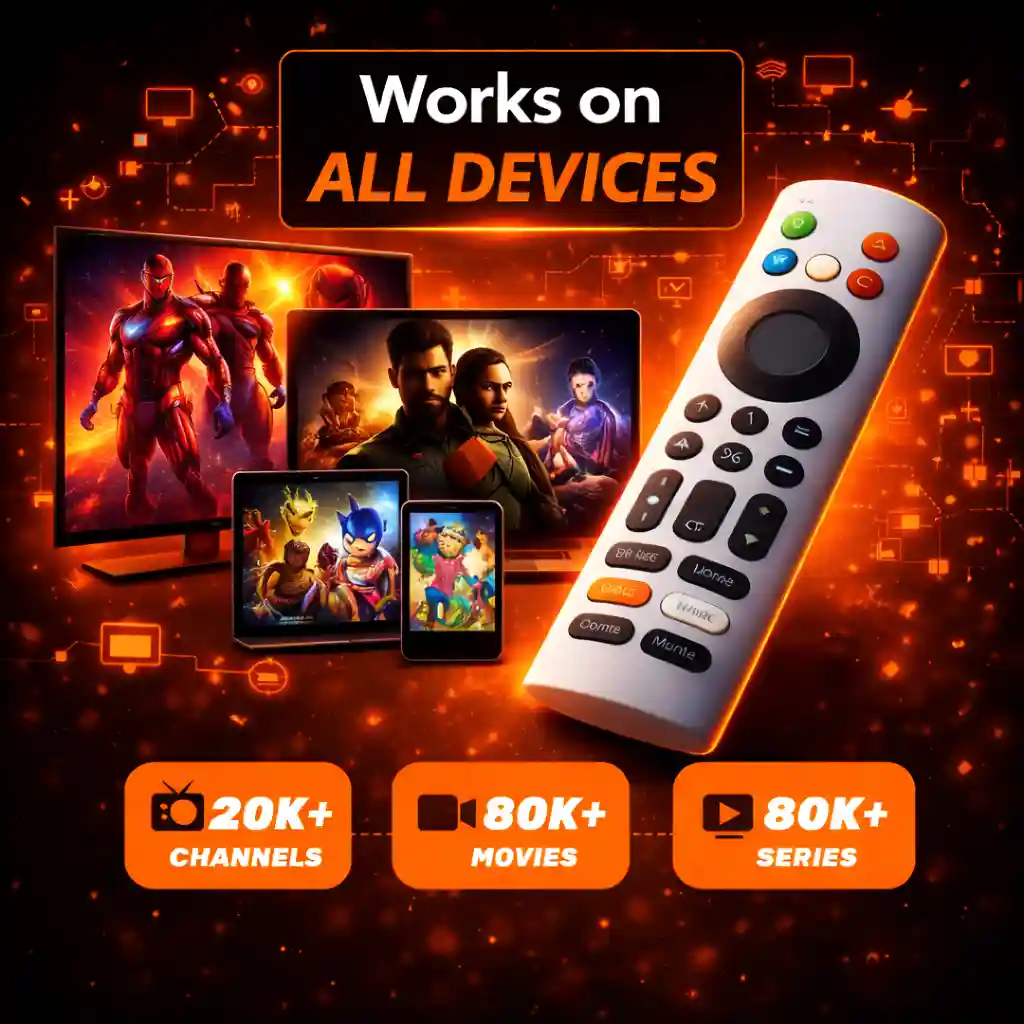
- Works on All Devices
- Multi-Device Support
- Instant Delivery in 1 minute
- 24/7 Customer Assistance
- Fast global servers
- Easy setup process
🔥 Why Choose Lemo TV
Global Entertainment Platform
LEMOTV offers access to diverse live TV categories and on-demand content for international users.
📡 High-Performance Streaming
Start watching in minutes with Lemo TV. No complicated steps—quick setup and immediate access after activation.
Secure Payment Protection
All transactions are processed using encrypted and trusted payment systems.
🌐 Global Entertainment Access
Watch live TV, movies, and series from around the world with 20,000+ channels and 88,000+ VOD titles, updated regularly.
🖥️ Multi-Device Compatibility
Enjoy Lemo TV on Smart TVs, Android, iOS, Firestick, MAG, Windows, and more—one service, many devices.
24/7 Customer Support
Our support team is available around the clock to assist with setup and technical questions.
Start Streaming with LEMOTV Today
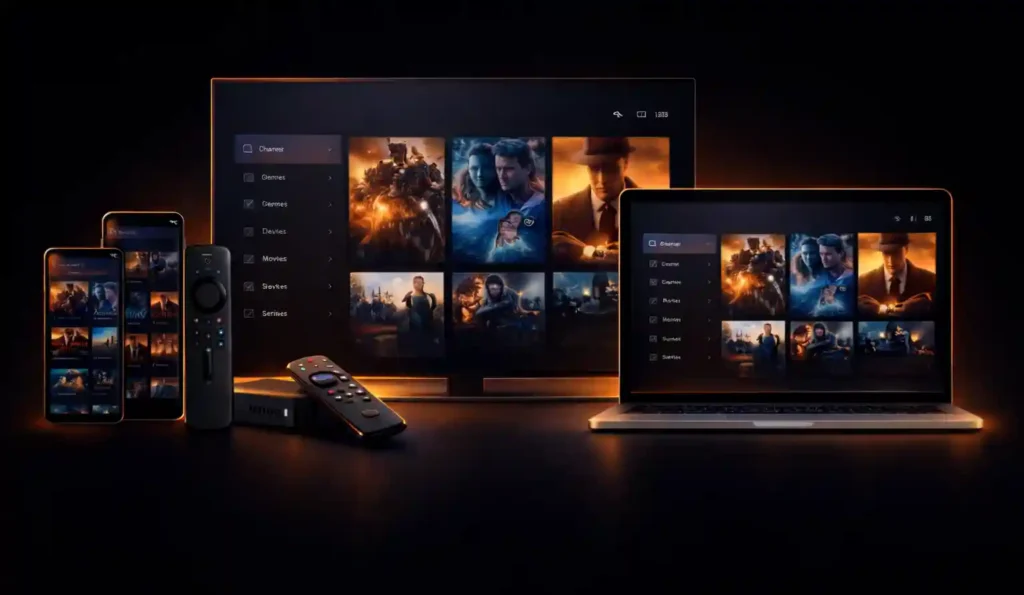
Upgrade your entertainment experience with LEMOTV’s fast, stable, and easy-to-use IPTV solution. Enjoy multi-device streaming, reliable servers, and professional support
- Smart TVs
- Android & iOS
- Firestick & Android TV
- MAG Devices
- PC & Mac
👉 Join LEMOTV today and experience next-level IPTV streaming.
💰 Lemo TV Pricing Plans
1 Month
$9,99
$14,99
- +20 000 Live channels
- 4K, Full HD, HD & SD
- All top sport TV
- NBA, NHL, NFL
- TV shows on demand
- TV Guide (EPG)
- Anti-Freeze Technology
- 1 day money back guarantee
- 24/7 support
Ready within 10 mins
Best IPTV service
3 Months
$29,99
$34,99
- +20 000 Live channels
- 4K, Full HD, HD & SD
- All top sport TV
- NBA, NHL, NFL
- TV shows on demand
- TV Guide (EPG)
- Anti-Freeze Technology
- 1 day money back guarantee
- 24/7 support
Ready within 10 mins
Best IPTV service
6 Months
$34,99
$49,99
- +20 000 Live channels
- 4K, Full HD, HD & SD
- All top sport TV
- NBA, NHL, NFL
- TV shows on demand
- TV Guide (EPG)
- Anti-Freeze Technology
- 1 day money back guarantee
- 24/7 support
Ready within 10 mins
Best IPTV service
12 Months
$49,99
$79,99
- +20 000 Live channels
- 4K, Full HD, HD & SD
- All top sport TV
- NBA, NHL, NFL
- TV shows on demand
- TV Guide (EPG)
- Anti-Freeze Technology
- 1 day money back guarantee
- 24/7 support
Ready within 10 mins
Best IPTV service
1 Month
$24,99
- +20 000 Live channels
- 4K, Full HD, HD & SD
- All top sport TV
- NBA, NHL, NFL
- TV shows on demand
- TV Guide (EPG)
- Anti-Freeze Technology
- 1 day money back guarantee
- 24/7 support
Ready within 10 mins
Best IPTV service
3 Months
$39,99
- +20 000 Live channels
- 4K, Full HD, HD & SD
- All top sport TV
- NBA, NHL, NFL
- TV shows on demand
- TV Guide (EPG)
- Anti-Freeze Technology
- 1 day money back guarantee
- 24/7 support
Ready within 10 mins
Best IPTV service
6 Months
$69,99
- +20 000 Live channels
- 4K, Full HD, HD & SD
- All top sport TV
- NBA, NHL, NFL
- TV shows on demand
- TV Guide (EPG)
- Anti-Freeze Technology
- 1 day money back guarantee
- 24/7 support
Ready within 10 mins
Best IPTV service
12 Months
$99,99
- +20 000 Live channels
- 4K, Full HD, HD & SD
- All top sport TV
- NBA, NHL, NFL
- TV shows on demand
- TV Guide (EPG)
- Anti-Freeze Technology
- 1 day money back guarantee
- 24/7 support
Ready within 10 mins
Best IPTV service
1 Month
$39,99
- +20 000 Live channels
- 4K, Full HD, HD & SD
- All top sport TV
- NBA, NHL, NFL
- TV shows on demand
- TV Guide (EPG)
- Anti-Freeze Technology
- 1 day money back guarantee
- 24/7 support
Ready within 10 mins
Best IPTV service
3 Months
$49,99
- +20 000 Live channels
- 4K, Full HD, HD & SD
- All top sport TV
- NBA, NHL, NFL
- TV shows on demand
- TV Guide (EPG)
- Anti-Freeze Technology
- 1 day money back guarantee
- 24/7 support
Ready within 10 mins
Best IPTV service
6 Months
$89,99
- +20 000 Live channels
- 4K, Full HD, HD & SD
- All top sport TV
- NBA, NHL, NFL
- TV shows on demand
- TV Guide (EPG)
- Anti-Freeze Technology
- 1 day money back guarantee
- 24/7 support
Ready within 10 mins
Best IPTV service
12 Months
$139,99
- +20 000 Live channels
- 4K, Full HD, HD & SD
- All top sport TV
- NBA, NHL, NFL
- TV shows on demand
- TV Guide (EPG)
- Anti-Freeze Technology
- 1 day money back guarantee
- 24/7 support
Ready within 10 mins
Best IPTV service
1 Month
$44,99
- +20 000 Live channels
- 4K, Full HD, HD & SD
- All top sport TV
- NBA, NHL, NFL
- TV shows on demand
- TV Guide (EPG)
- Anti-Freeze Technology
- 1 day money back guarantee
- 24/7 support
Ready within 10 mins
Best IPTV service
3 Months
$59,99
- +20 000 Live channels
- 4K, Full HD, HD & SD
- All top sport TV
- NBA, NHL, NFL
- TV shows on demand
- TV Guide (EPG)
- Anti-Freeze Technology
- 1 day money back guarantee
- 24/7 support
Ready within 10 mins
Best IPTV service
6 Months
$119,99
- +20 000 Live channels
- 4K, Full HD, HD & SD
- All top sport TV
- NBA, NHL, NFL
- TV shows on demand
- TV Guide (EPG)
- Anti-Freeze Technology
- 1 day money back guarantee
- 24/7 support
Ready within 10 mins
Best IPTV service
12 Months
$159,99
- +20 000 Live channels
- 4K, Full HD, HD & SD
- All top sport TV
- NBA, NHL, NFL
- TV shows on demand
- TV Guide (EPG)
- Anti-Freeze Technology
- 1 day money back guarantee
- 24/7 support
Ready within 10 mins
Best IPTV service
1 Month
$50
- +20 000 Live channels
- 4K, Full HD, HD & SD
- All top sport TV
- NBA, NHL, NFL
- TV shows on demand
- TV Guide (EPG)
- Anti-Freeze Technology
- 1 day money back guarantee
- 24/7 support
Ready within 10 mins
Best IPTV service
3 Months
$80
- +20 000 Live channels
- 4K, Full HD, HD & SD
- All top sport TV
- NBA, NHL, NFL
- TV shows on demand
- TV Guide (EPG)
- Anti-Freeze Technology
- 1 day money back guarantee
- 24/7 support
Ready within 10 mins
Best IPTV service
6 Months
$130
- +20 000 Live channels
- 4K, Full HD, HD & SD
- All top sport TV
- NBA, NHL, NFL
- TV shows on demand
- TV Guide (EPG)
- Anti-Freeze Technology
- 1 day money back guarantee
- 24/7 support
Ready within 10 mins
Best IPTV service
12 Months
$200
- +20 000 Live channels
- 4K, Full HD, HD & SD
- All top sport TV
- NBA, NHL, NFL
- TV shows on demand
- TV Guide (EPG)
- Anti-Freeze Technology
- 1 day money back guarantee
- 24/7 support
Ready within 10 mins
Best IPTV service
🔒 Secure Payment Options
Lemo TV uses encrypted and secure checkout systems to keep your payments safe, private, and fast. Shop with confidence using trusted payment methods.
⚙️ How It Works
Choose Your Plan
Select the Lemo TV plan that fits your needs and number of devices.
Get Instant Access
Receive your username, password, and setup details within minutes after activation.
Start Streaming
Log in on your device and enjoy live channels, movies, and series in HD & 4K quality.
❓ Frequently Asked Questions (FAQ)
LEMO TV is a digital IPTV streaming platform that provides access to live television categories and on-demand entertainment through internet-based technology. It is designed to work on multiple devices with fast activation and stable performance.
LEMO IPTV uses internet protocol technology to deliver television content directly to your device. Instead of using traditional cable or satellite systems, LEMO IPTV streams content through secure online servers.
All you need is:
A compatible device
A stable internet connection
An active subscription
Supported Platforms
LEMO TV is compatible with many popular devices, including:
Smart TVs
Android TV and Android boxes
iOS devices (iPhone & iPad)
Firestick and MAG boxes
Windows and macOS computers
This allows you to enjoy LEMO IPTV on your preferred screen.
After completing your order, you will receive your activation details by email or message. Simply enter your credentials into your IPTV player or application, and you can start using LEMO TV within minutes.
If you need help, customer support is available 24/7.
Yes, LEMO TV supports HD and 4K quality streaming. The actual video quality depends on:
Your internet speed
Your device capabilities
Your display resolution
For best performance, a high-speed connection is recommended.
Yes. LEMO IPTV is designed to be user-friendly, even for beginners. The setup process is simple, and step-by-step guides are available to help new users get started quickly.
Yes, LEMO TV supports multi-device compatibility. Depending on your subscription plan, you may be able to use LEMO IPTV on more than one device.
Please check your plan details for connection limits.
Recommended Speeds
For smooth streaming with LEMO IPTV, we recommend:
SD Quality: 5 Mbps
HD Quality: 10 Mbps
4K Quality: 25+ Mbps
A stable connection helps reduce buffering and interruptions.
Yes. LEMO TV uses encrypted and secure payment systems to protect your personal and financial information during checkout.
Your privacy and security are a top priority.
If you notice buffering while using LEMO IPTV, try the following:
Restart your device and router
Check your internet speed
Close background applications
Switch to a wired connection if possible
If the issue continues, contact support for assistance.
Yes. LEMO TV provides 24/7 customer support to help with:
Account setup
Technical issues
Subscription questions
General assistance
You can contact the support team anytime for help.
Yes. Most LEMO IPTV plans are flexible and do not require long-term contracts. You can manage or renew your subscription based on your needs.
Please review the terms of your selected plan for details.
LEMO TV follows strict data protection and privacy practices. All user information is handled securely and used only for service-related purposes.
Getting started with LEMO IPTV is easy:
Choose a subscription plan
Complete your registration
Receive your access details
Install your preferred IPTV app
Start streaming with LEMO TV
The LEMO TV App can be installed on Amazon Firestick using the Downloader application. Simply install Downloader from the Amazon App Store, enter the official Firestick Downloader Code 5789712, download the application, and follow the on-screen instructions to complete the installation process.
The official LEMO TV Firestick Downloader Code is 5789712. This code allows users to quickly download and install the latest version of the LEMO TV App on compatible Amazon Fire TV and Firestick devices.
After installing the LEMO TV App, open the application and enter your account credentials provided after activation. Once logged in, users can access their entertainment content and customize their viewing preferences across supported devices.
How to Install LEMO TV on Firestick
The LEMO TV App is fully compatible with Amazon Firestick and Fire TV devices, allowing users to enjoy a fast and user-friendly streaming experience directly on their television. Installing LEMO TV Official on Firestick takes only a few minutes and requires no advanced technical knowledge.
LEMO TV Firestick Downloader Code
To install the LEMO TV App on your Firestick device, use the following Downloader code :
Firestick Downloader Code: 5789712
This code allows you to quickly download and install the latest version of the LEMO TV application on compatible Fire TV devices.
How to Install LEMO TV on Firestick
Follow these simple steps to install the LEMO TV App:
Step 1: Install the Downloader App
Open the Amazon App Store on your Firestick.
Search for Downloader.
Download and install the application.
Step 2: Enable Unknown Sources
Go to Settings → My Fire TV → Developer Options.
Enable Install Unknown Apps for Downloader.
Step 3: Enter the Downloader Code
Open the Downloader application.
Enter the following code:
5789712
Press Go to begin downloading the LEMO TV App.
Step 4: Install the Application
Once the download is complete, select Install.
Wait for the installation process to finish.
Step 5: Login to LEMO TV
Open the LEMO TV App.
Enter your account credentials.
Start enjoying your entertainment experience.
Why Use LEMO TV on Firestick?
The LEMO TV App for Firestick is optimized to provide a smooth and reliable viewing experience with:
Fast application performance
Simple remote navigation
HD and 4K support
Easy account management
User-friendly interface
Multi-device compatibility
With its simple installation process and optimized performance, LEMO TV Official on Firestick remains one of the most convenient ways to enjoy modern IPTV entertainment from home.